
It’s no secret that I love drones. Ever since I flew my friend Taylor’s Phantom 2 back in early 2014 (back when DJI had no app and video was recorded with a GoPro), I knew that I would be buying a lot of these flying cameras in the years to come.
What started with a Phantom 2 of my own, recently expanded to a Mavic Pro, and now a Phantom 4 Pro. My wife says I may have a problem. I say I may have a fleet. Can I call it a fleet? I like how that sounds: Matt’s fleet of drones.
With the advent of the FAA releasing their Part 107 certification for commercial drone pilots last year, there are thousands of new licensed drone pilots taking the knowledge test and wondering which drone they should invest in. There are also thousands of reviews of the new DJI Mavic Pro out there, but none of them have answered the two primary questions I feel that professional filmmakers are asking: Is the Mavic Pro good enough for commercial filmmaking? And: If I already own a drone such as a Phantom or Inspire, should I invest in a Mavic Pro as well?
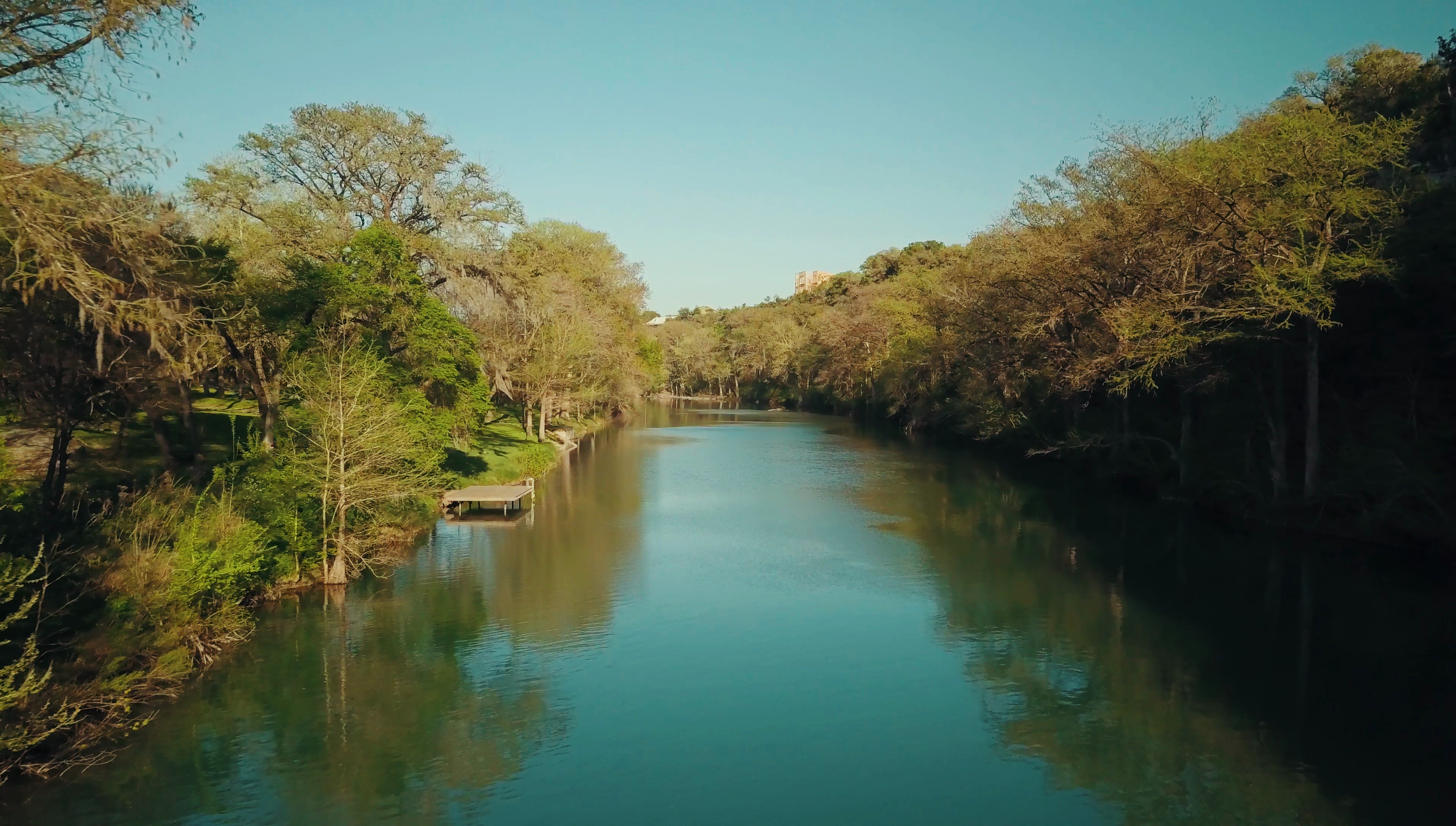
So I’m going to spoil the conclusion right now, because I respect your time: yes, the Mavic Pro is a great addition whether you’re buying your first drone or adding it to a fleet you already own. If you want to know why, here’s the whole review written out.

It Took Me Three Tries To Get A Working One
I know it’s weird to open a review by talking about the buying experience, but stick with me, because this is genuinely the most useful thing in the whole video. I pre-ordered the Mavic the day after it was announced through a group-buy site to save two hundred bucks, and that turned into end of November, which turned into end of December, which turned into me getting no communication at all by mid-January. So I cancelled and ordered from a retailer that was shipping in five business days instead.
Mavic number one showed up fast, and the entire right hand side of the image was blurry. Not a focus problem. The camera assembly was physically put together wrong. Mavic number two showed up a week later and the gimbal shook so badly that every clip had jello in it no matter how gently I flew. Mavic number three is the one I actually made this review with, and even it has a quirk where the camera shuts off mid-recording after ten or fifteen minutes and does a little calibration dance before it starts again.
People on my Facebook page were telling me I was crazy for not giving up. They weren’t wrong! But here’s the actual lesson, and it’s the reason I told you that whole story: buy this drone from a retailer with a no-hassle return policy. Amazon, B&H, and Newegg will all take it back inside the first two weeks and some of them will even cover return shipping, which means you take it to a store and you’re done. If you buy from somewhere that makes you deal with DJI’s repair service instead, you’re shipping a thousand dollar drone off and hoping it comes back in a month or two. I don’t think it’s crazy to want a thousand dollar thing to work out of the box.
Test it the day it arrives. Fly it, look at the footage, check the corners of the frame, and if anything is off, send it back immediately while you’re still inside the return window.
The Size Is The Whole Point
This thing is so small I can almost hide it behind my beard. You can’t do that with a Phantom, and you definitely can’t do it with an Inspire. Maybe one day the beard will be long enough for that too, but we’re not there yet.
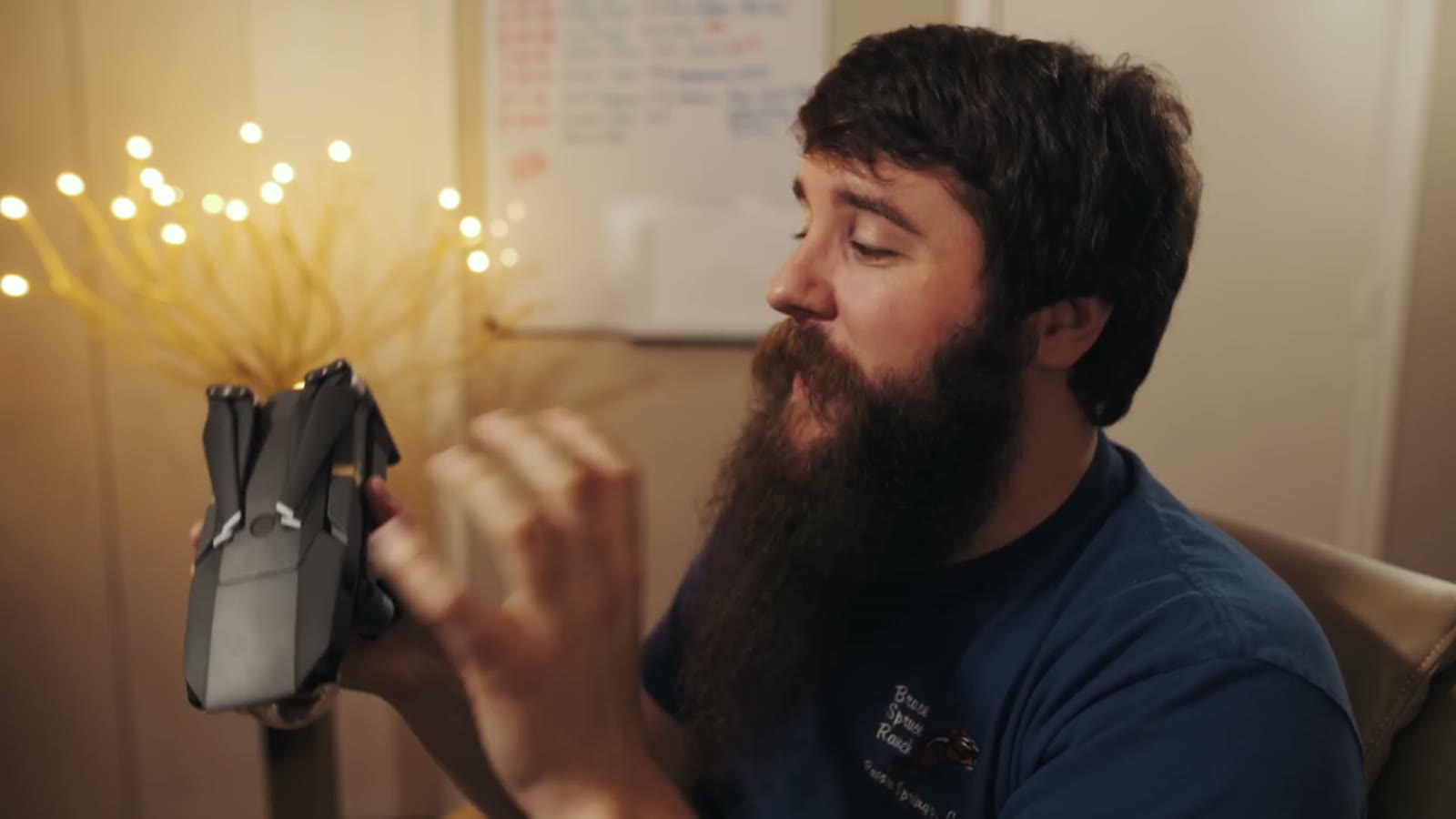
Now, a lot of people will tell you a drone this small isn’t good enough for commercial work, that you need something big so your client looks at it and thinks “wow, a professional.” That’s the same logic as bolting a matte box onto a camera with no filters in it. It looks impressive on set and it does nothing. What you actually need most of the time is something small and compact that you can get in the air fast, and that is exactly where the Mavic wins.
It’s also quiet, which matters more than I expected. An Inspire taking off sounds like a weed whacker and everybody within two hundred yards looks up. The Mavic gets to altitude and effectively disappears.
Nobody Noticed Me For Ten Minutes
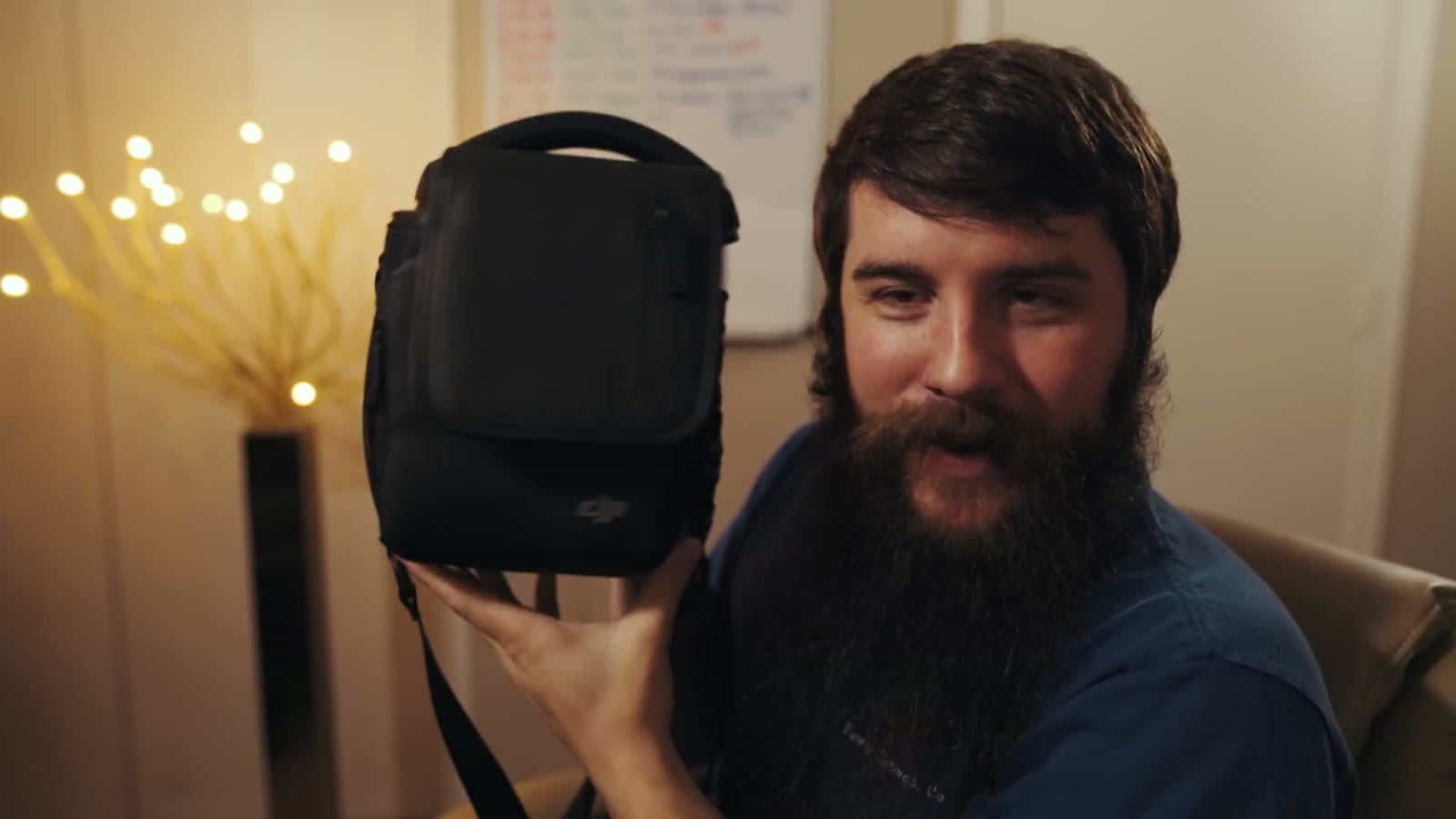
I was shooting a wedding and needed aerials of the ceremony site, which was a public venue that still had people wandering around it. I walked up with my little Mavic man bag and not one person gave me a second look, and then I launched and flew for a solid ten minutes before anybody noticed. Finally a kid spotted it, and then everybody spotted it, and then somebody yelled “call the FAA,” followed by somebody else yelling “it’s the Russians.” I am not Russian. I promise.
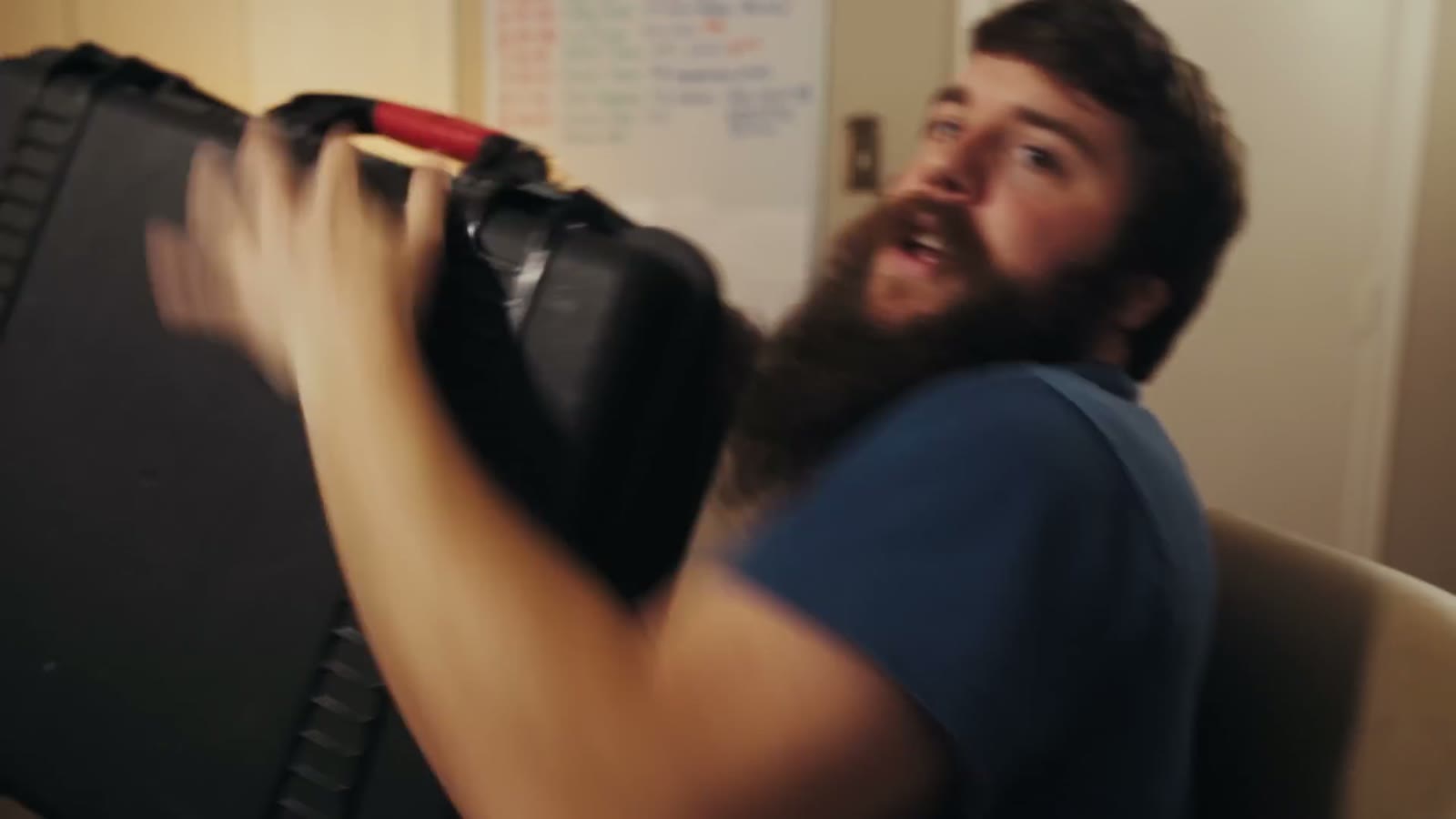
Compare that to walking up to the same venue carrying a Pelican case, opening the latches, screwing on propellers, and standing there for five minutes assembling something that looks exactly like a commercial operation. You get interrupted. You get asked questions. You get the fifty-fifty coin flip between “that’s so cool, I want one” and “quit spying on me.”
And it isn’t just the drone. The remote looks more like a video game controller than a piece of professional gear, so whenever you’re standing there holding it with your phone clipped in, people assume you’re playing Pokémon Go rather than working. I’ll take it.

The other half of small is fast. The propellers are already on, so all you do is pull the gimbal guard, run a quick calibration, and go. I was driving to a wedding, came over a ridge line at sunset with this gorgeous valley below, realized I could actually have that shot, pulled into a rest area, and was flying in two minutes. Whenever you’re filming a run and gun event, two minutes versus ten minutes is the entire difference between getting the shot and missing it.
Quality
Here’s the big one, and I know what you’ve been reading online, which is that the build quality is beautiful but the camera is garbage and you should buy a Phantom instead. From my experience that just isn’t true. The image quality on the Mavic Pro is on par with the DJI Phantom 3, a drone that sold like hot cakes and that thousands of people are still using every single day to capture genuinely beautiful cinematic imagery. Same bit rate as the Phantom 3 and the Phantom 4. Same codec. Different lens. That’s it.

Which means this drone can absolutely produce cinematic images once you understand its limitations. So here are five things I do to get the most out of it.
1. Take The Dad Gum Bubble Guard Off
I have read way too many comments from people asking whether they should leave it on. No. It is not made to film through. You can see reflections on it, you’re putting an extra piece of plastic in front of your lens, and you’re going to get flaring and a softer image for absolutely no benefit. Unless you’re flying in a snowstorm, and if you’re flying in a snowstorm we have a bigger conversation to have.

2. Shoot In D-Log
Up until about a month before I made this video, everybody said don’t bother with D-Log, that it’s too compressed and too muddy and too much work to grade. That used to be true. Then DJI pushed an update in mid-February that genuinely fixed it, widening the dynamic range so it doesn’t look nearly as flat or as muddy, and now it can result in some truly beautiful images with only a little grading.
And I hear you saying you don’t want to grade, you just want to shoot it and put it on YouTube. Fine! Slap a LUT on it and you’re back to a nice looking image without much work at all. For me the bigger reason is matching, because I shoot with the Sony a7S II and I use a flat profile on it, so having a flat image out of the Mavic means I can match my aerials to my ground footage without a fight. If that’s useful to you, here’s my review of the Sony a7S II and here’s the flat picture profile I use on it.
I also promised in this video that I’d make a follow-up with my exact Mavic settings once I’d tested them properly, and I did: here is my favorite picture profile and cinematic camera settings for the Mavic Pro.
3. Buy ND Filters
I use the PolarPro Cinema Series Vivid filters with the polarizer, which come in ND4, ND8, and ND16, and they do two things for you. The polarizer kills reflections so your greens and blues actually pop, which this camera needs all the help it can get with. And the ND lets you drop your shutter speed to double your frame rate, so if I’m shooting 4K at 30 frames per second I can sit at 1/60th and get proper motion blur instead of cranking to 1/1000th and getting that stuttery, over-sharp look.

4. Shoot 4K, Always
A lot of you are going to read this and go “well, duh,” but I tested it and 1080p on this drone simply does not have enough bit rate. The second you point it at trees or leaves or anything with real detail in it, the image starts falling apart. Shoot 4K and scale down later if you need to.
5. Don’t Fly It At Night
If you’re a Part 107 pilot you’re not legally allowed to fly at night without a waiver anyway, but for anybody thinking about it: the image does not hold up. Even with street lights and car trails, this sensor falls apart the second you push the ISO. If night footage is what you need, look at a Phantom 4 Pro or an Inspire, because they have bigger sensors and better cameras. If somebody could figure out how to dangle an a7S II off this thing I would fly it in a heartbeat, but here we are.
If you want to go deeper, I’ve also got A Wedding Filmmaker’s Review of the DJI Mavic 2 Pro: Time to Upgrade? and DJI Mic 2 Review For Wedding Filmmakers.
Tripod Mode And Cinematic Mode
Two settings in the DJI Go app do most of the work for me. Tripod mode slows every movement down to a creepy crawl, which is what you want whenever you’re flying in a tight space or under trees or anywhere you’re nervous about hitting something.
Cinematic mode is the one I use more. It doesn’t slow the drone down much, it slows down the rotation and it ramps your acceleration and deceleration, so whenever you’re following a couple walking through a field and they suddenly stop, you can let go of the sticks and the drone gently glides to a halt instead of snapping to a stop. You get a beautiful cinematic slowdown without doing anything for it. The catch is that if you’re about to hit a tree and you panic, the drone will also gently float into that tree. Know what you signed up for.
Battery Life
Depending on wind, flight speed, and how acrobatic you’re being, expect 20 to 25 minutes per charge, and I’d recommend landing at 30% rather than pushing it. For actually getting the shot, 20 minutes is plenty of time to pull over, get up, film a venue, and come back down.
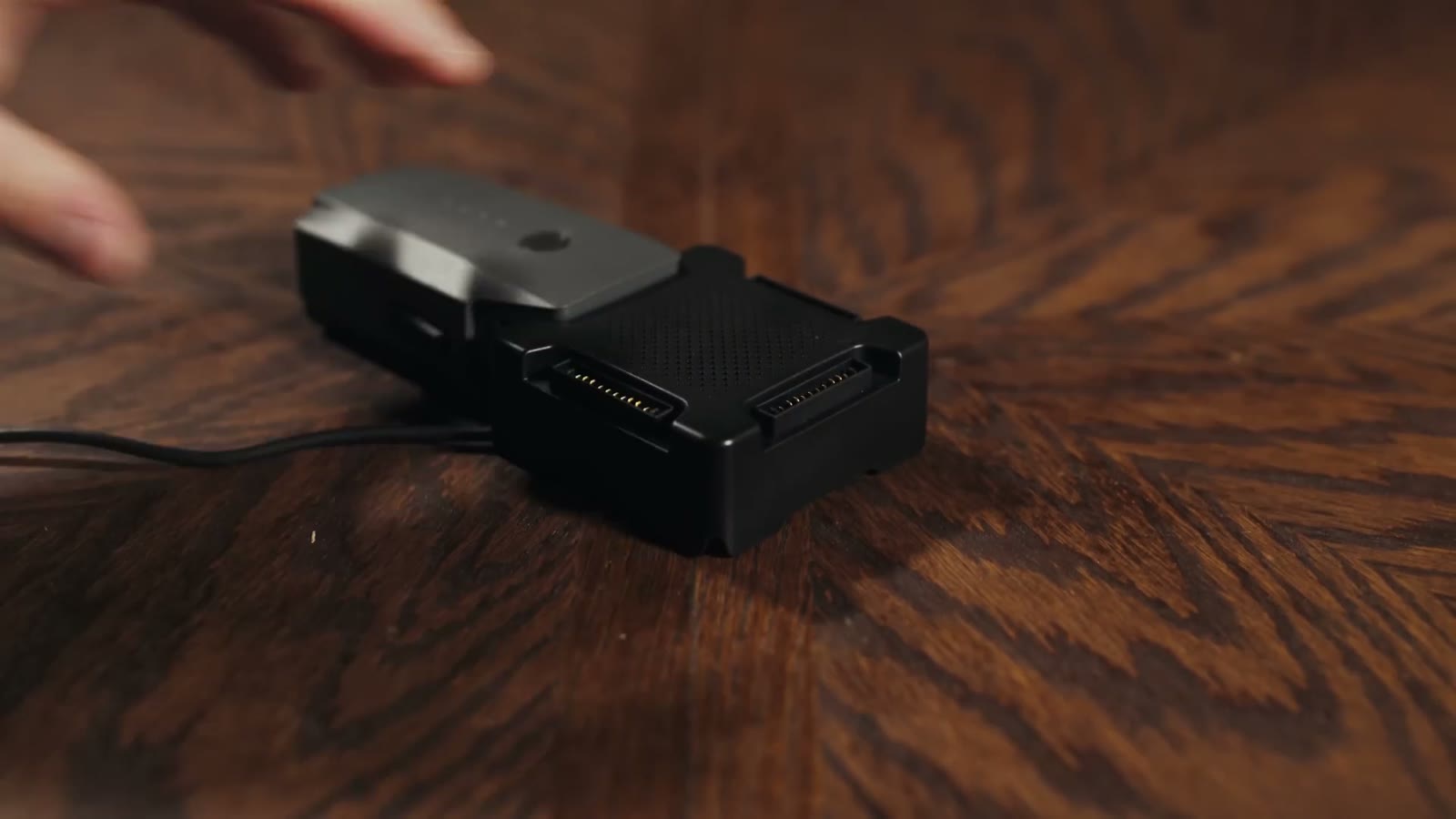
Get the Fly More combo though. It comes with three batteries, the little man purse, and a charging hub, and that hub is honestly one of my favorite things I own. With my old Phantom 2 I had to charge every battery individually, which meant setting an alarm for 3:00 a.m. to go swap one and stumble back to bed. It sucked. The hub takes four and charges them in sequence, so you set it up the night before a wedding and wake up to a full set.
Conclusion
Is this drone good enough for commercial use? Yes, I totally believe so. Is it worth buying if you already own a Phantom or an Inspire? Also yes, wholeheartedly, because it’s perfect for the situations where the bigger drones are simply too much. I’m going to Iceland next month, and my options are to check a Pelican case at the airport, or cut foam for the Phantom 4 Pro, or just put the Mavic in my carry-on next to my a7S II and my lenses and my clothes and be done with it. That’s not a close call.

Drones are like potato chips, and you can’t have just one. There are genuinely different drones for different jobs now. If you travel and you want a small footprint and you’d rather not get harassed, fly the Mavic. If you need better image quality, buy the Phantom 4 Pro. If you need raw video, buy an Inspire. Three tiers, and I think that’s really cool. And if you’re brand new and you’re asking me which one to buy first, my honest answer is the Phantom 4 Pro, because it costs more but the image quality is that much better.
One note for anybody reading this later: this review is from 2017, and the prices, firmware, and DJI’s lineup have all moved on considerably since. Check what’s current before you buy anything.
Where To Buy Everything
Here’s my drone gear list with all the places to buy the Mavic and the accessories, and here’s the rest of my gear. This is what’s in my bag now, which has changed a good bit since this review went up:
- INSANE lowlight main camera on Amazon
- My favorite wide angle lens with AF on Amazon
- Ultra-versatile medium lens with AF on Amazon
- Best drone ever on Amazon
- Filters for the best drone ever on Amazon
- BEEFY electronic gimbal on Amazon
- Fantastic video monopod on Amazon
- Ridiculously tiny audio recorder and mic on Amazon
- Prism for fancy in-camera effects on Amazon
- FAST video editing laptop on Amazon
- Indestructible camera case on Amazon
- Light & sturdy travel tripod on Amazon
- Portable LED Lighting Kit on Amazon
Everything here was cut in Adobe Premiere Pro and color graded with my own WhoisMatt LUTs.
Getting Your Part 107
If you want to fly a drone commercially in the United States you have to pass the FAA’s Part 107 knowledge test. I took it, I passed it, and I made a video about exactly how I studied for it, so if you’re going for yours I hope my video helps you.
More Help For Filmmakers
If you’re trying to fill a wedding calendar, I put together a free quick tips guide on how to book more wedding film clients, and my wedding film editing course covers the editing side end to end. There’s also a free Learn Wedding Filmmaking Facebook group if you’d rather just talk to other people doing this job. And whenever I need a hand with an edit, I use Archaius Creative, who’ll give you 10% off your first project through that link.
I am also now offering one-on-one personal filmmaker consulting! Wanna talk about cameras, lighting, or booking clients? Let’s do it!
As always, if you have any questions or comments about this review, please feel free to leave one below, or get in touch. You can also follow along on Instagram for photos, videos, and behind-the-scenes stuff.