
Here is the dilemma. At the time of making this, you can grab a refurbished M4 MacBook Air for around $830, while a brand new M5 MacBook Air will run you $270 more at $1,100. So which one is the better buy for video editing? I put both of them through DaVinci Resolve, Premiere Pro, and Final Cut to find out.
The two machines I tested
For context, the M4 MacBook Air is one I bought myself back in March 2024 for $1,200. It came with an upgraded 512GB SSD, 16GB of memory, and a 10-core M4 chip. If you want the full breakdown on that machine, I wrote up my M4 MacBook Air long-term review after living with it for a while.
In the other corner is the newer M5 MacBook Air, which I also bought myself because I wanted a larger SSD. This one has 1TB of storage, still 16GB of memory, and a 10-core M5 chip. I dug deeper into this machine on its own in my M5 MacBook Air review.
One thing worth pointing out on pricing: if you go with the base model M5 Air at $1,100, it comes with a 512GB SSD. That is up from the 256GB base on the M4 Air I found for $830, so you are getting double the storage at the entry level.
What is actually different between them
Look at the screen, the ports, the keyboard, and the touchpad, and the two machines are virtually identical. The M5 did not get an upgrade in any of these areas, so keep that in mind. The only real change is the M5 chip itself, which is exactly what we are going to lean on with the software tests.
DaVinci Resolve
Opening the same project on both, you can see that the M4 and the M5 are both fully capable of playing back a mix of 4K, 6K, and raw footage without issue. They both scrub through the timeline like butter.
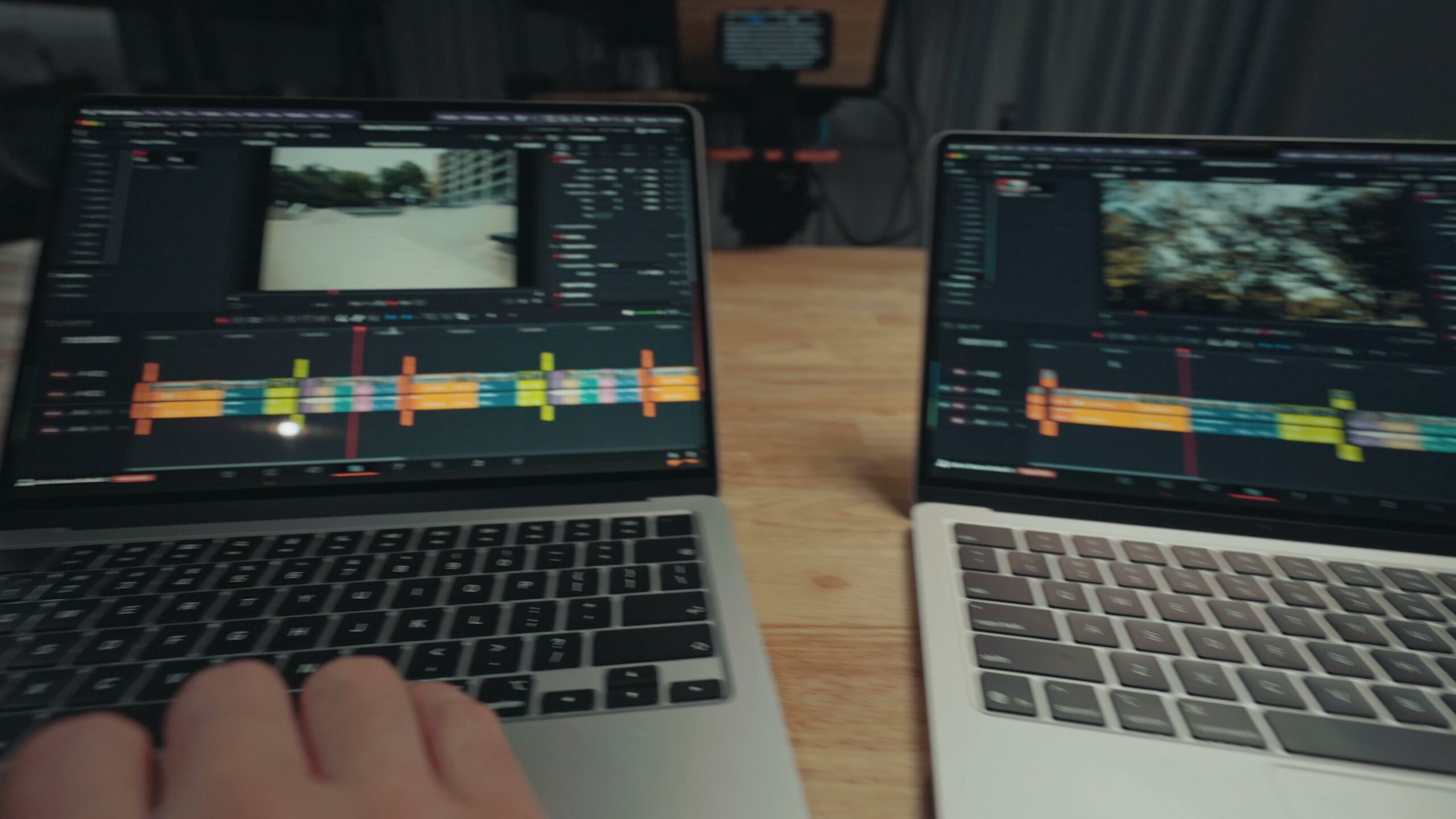
The only slight hangup I could find was very fast scrubbing with raw video clips loading in, and that was specifically on the M4. Even then the wait time is very short. When you remember that these are both base level chips with no fans, it is genuinely impressive. This is exactly why I have loved using the M4 Air for the last year. It is such a great budget laptop.
AI video editing tools
This is where things get more interesting. Blackmagic keeps adding AI powered effects to DaVinci Resolve, and Apple upgraded the M5’s GPU with neural accelerators on each GPU core that make it significantly better at AI workloads than previous chips.
Loading up Resolve’s AI face age transformer tool on both laptops, the M4 is quite slow to scrub through the footage. You are at a frame, and it kind of takes a second to load, with a bit of lag to it. On the M5 it is noticeably faster. There is less lag and it is a more pleasant scrubbing experience.
It is still not smooth enough to play back at a full frame rate, but it is a real improvement. If you plan on doing a lot of advanced AI effects work like this, that is a sign you may want to step up to a MacBook Pro with an M5 Pro or Max chip, which should handle it even smoother. If you want to actually use that face tool, I walked through it in my tutorial on Resolve’s secret AI wrinkle removal tool.
Export and render speeds
This is really the biggest area where I felt a difference between these two machines. Both the M4 and M5 Airs have the same number of video hardware encoders and decoders, but the M5’s encoders are the upgraded, faster versions.
Exporting the same 10 minute video I had just been scrubbing through, the M4 took five minutes and 18 seconds, while the M5 took only four minutes and 15 seconds. That is over a minute faster, which puts the M5 at roughly 25% faster than the M4. That is a fantastic leap in a single year.
This lines up with Apple’s own claims of a 30% faster GPU and 10% faster multi-core performance on the M5. Pair that with the faster hardware encoders and it all works together to land on that 25% improvement.
I put together Video Editing M4 Macbook Air Buyers Guide 2025, Lifetime PC Guy Reviews M4 Macbook Air For Video Editing!, and $8000 Windows Laptop VS $1200 M4 Macbook Air: Video Editing Showdown as well, which cover the part I skipped over here.
Final Cut Pro
Final Cut is legendary for running well on pretty much every MacBook, and the M5 is no exception. It is incredibly quick to scrub through and play back footage. Most importantly, scrubbing back raw footage, which a lot of computers struggle with, was no problem at all. Super smooth.
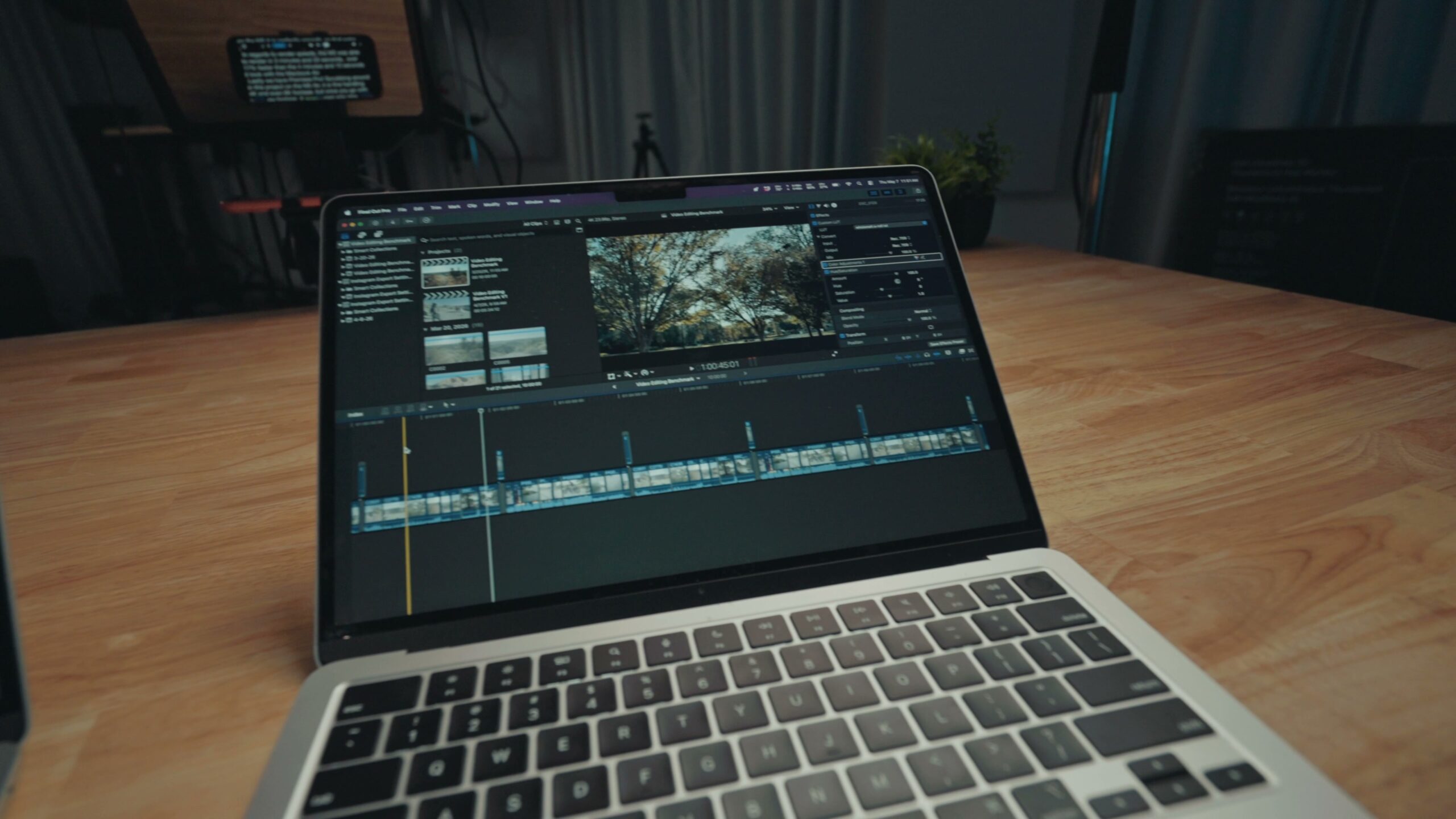
Here is the thing though. The M4 Air is also basically flawless here. Ultra smooth playback, great even with raw footage, no real hangups. It is a fantastic machine too. On render speeds, the M5 finished this video in three minutes and 33 seconds, over 17% faster than the four minutes and 10 seconds the M4 took. Not a bad increase.
Premiere Pro
Scrubbing around a project with 4K and even 6K clips is really smooth on the M5. But once you get to 8K footage and raw, that is where it starts to slow down more than Resolve or Final Cut did.
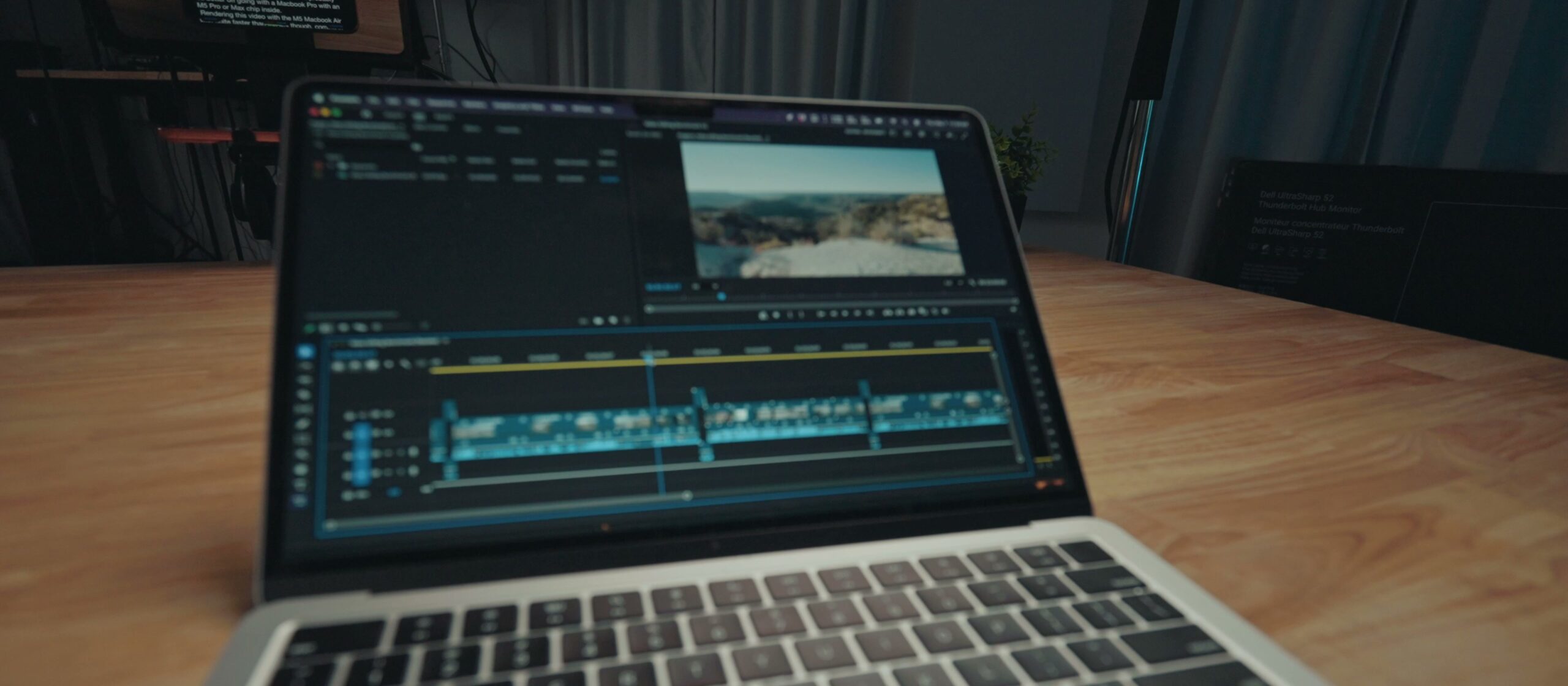
The M4 is pretty similar. It also slows down at 8K, and once you hit raw, it really chugs. In my experience Premiere is a program that loves having a lot of RAM. So if you want to edit on a MacBook Air, I would look at getting at least 24GB, or you would probably be better off going with a MacBook Pro with an M5 Pro or Max chip inside.
Rendering this video, the M5 Air was a good bit quicker, coming in at eight minutes and four seconds compared to 11 minutes and 18 seconds on the M4. That is a 40% improvement, which shows that Premiere really likes having the extra GPU power.
So which one should you buy?
A refurbished M4 MacBook Air for around $830, or a brand new M5 Air with the latest chip? As I have shown, both laptops are stellar for video playback and editing. The real difference comes down to render speed.
Personally, even with the 40% render improvement in Premiere, 25% in Resolve, and 17% in Final Cut, these changes are still not completely game changing for most people. If you can find a good deal on an M4 MacBook Air, I would save your money. Honestly, I would have kept my M4 if I had not wanted to upgrade the SSD size. Still deciding? My video editing MacBook buyer’s guide will help you pick the right one.
If you want to get more out of whichever machine you land on, my Edit Videos Like A Pro guide covers the biggest rules I follow as a video editor, and it is free to download.