
I review thousand dollar plus video editing monitors all the time, but this one is different. This $700 OLED from MSI is purpose built to not only compete with, but completely obliterate something like an Apple Studio Display that costs twice the price. I spent time with the MSI Pro Max 27 from the perspective of a video editor who also games some on the side, and I came away impressed.
For the sake of ethics, I want you to know that this video is not paid or sponsored by MSI. They did reach out and ask if I wanted to review the monitor, and I said yes.
Why a 27-inch OLED made me pay attention
I have been on a streak of reviewing much larger monitors lately, 32 inches, 40 inches, and I even reviewed a 52-inch ultrawide from Dell. All of those are significantly more expensive, in the multi thousand dollar range. So whenever I see a monitor that is smaller at 27 inches, but is also OLED and specifically targeting creative professionals for 700 bucks, I stop and think, wait a second, this makes a lot of sense for video editors.
Design and build
Right off the bat, you can tell that MSI is targeting Mac users. This thing is an off white color on the back, the bezel, and the stand. You put a MacBook next to it and it blends in really well with the aesthetic. I do wish the stand was slightly cleaner. I do not think it needs the words Pro Max printed on the bottom, but I will forgive it because it is still a very minimal look.
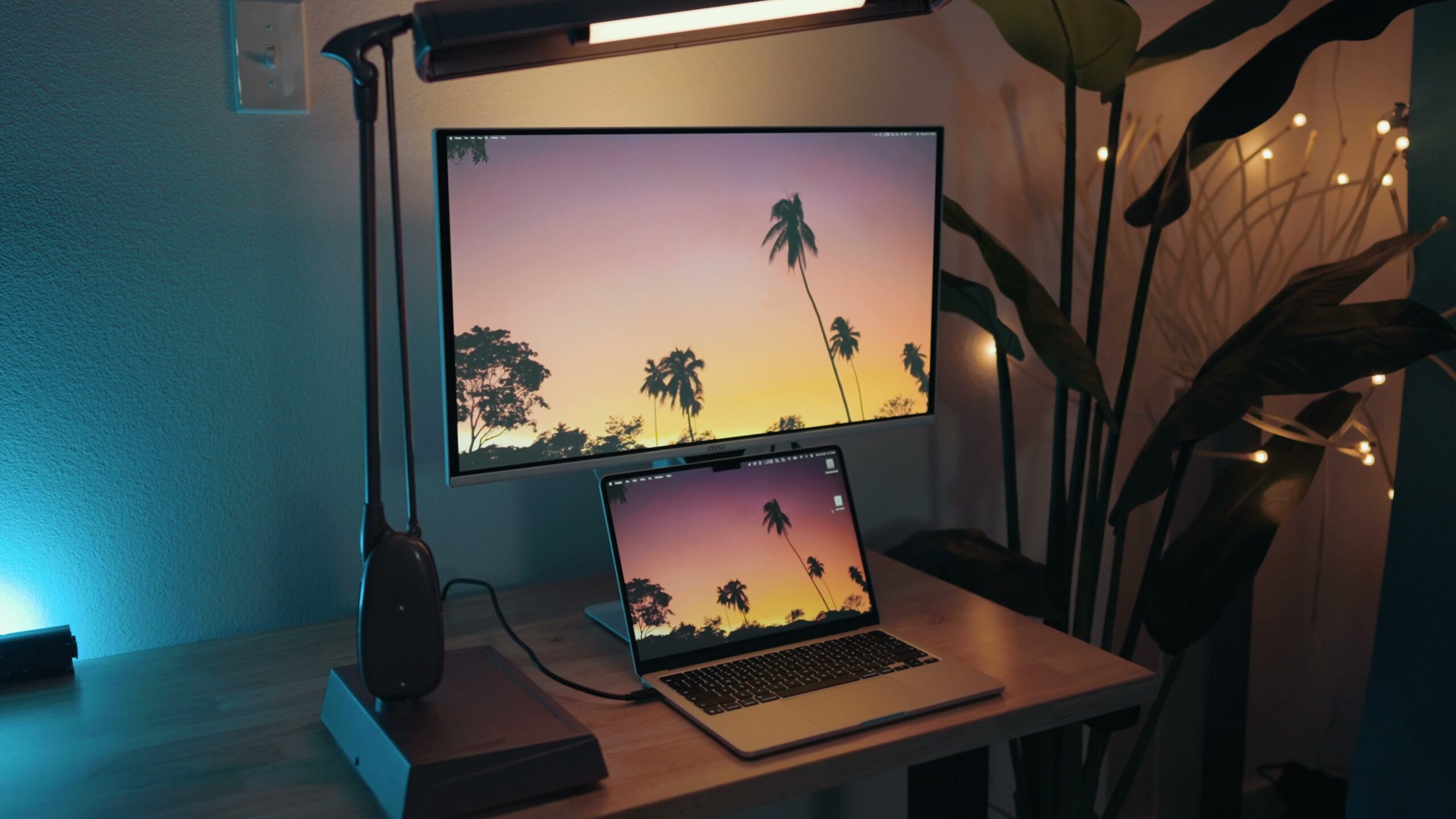
Speaking of that stand, it is very robust and feels extremely solid. It tilts and even rotates vertically, which is great if you edit a lot of videos for TikTok and Instagram and you want that vertical preview. MSI also makes a really nice desktop arm in a similar color, and when I paired that with the monitor, it looked even better.
You get way more inputs than the Studio Display
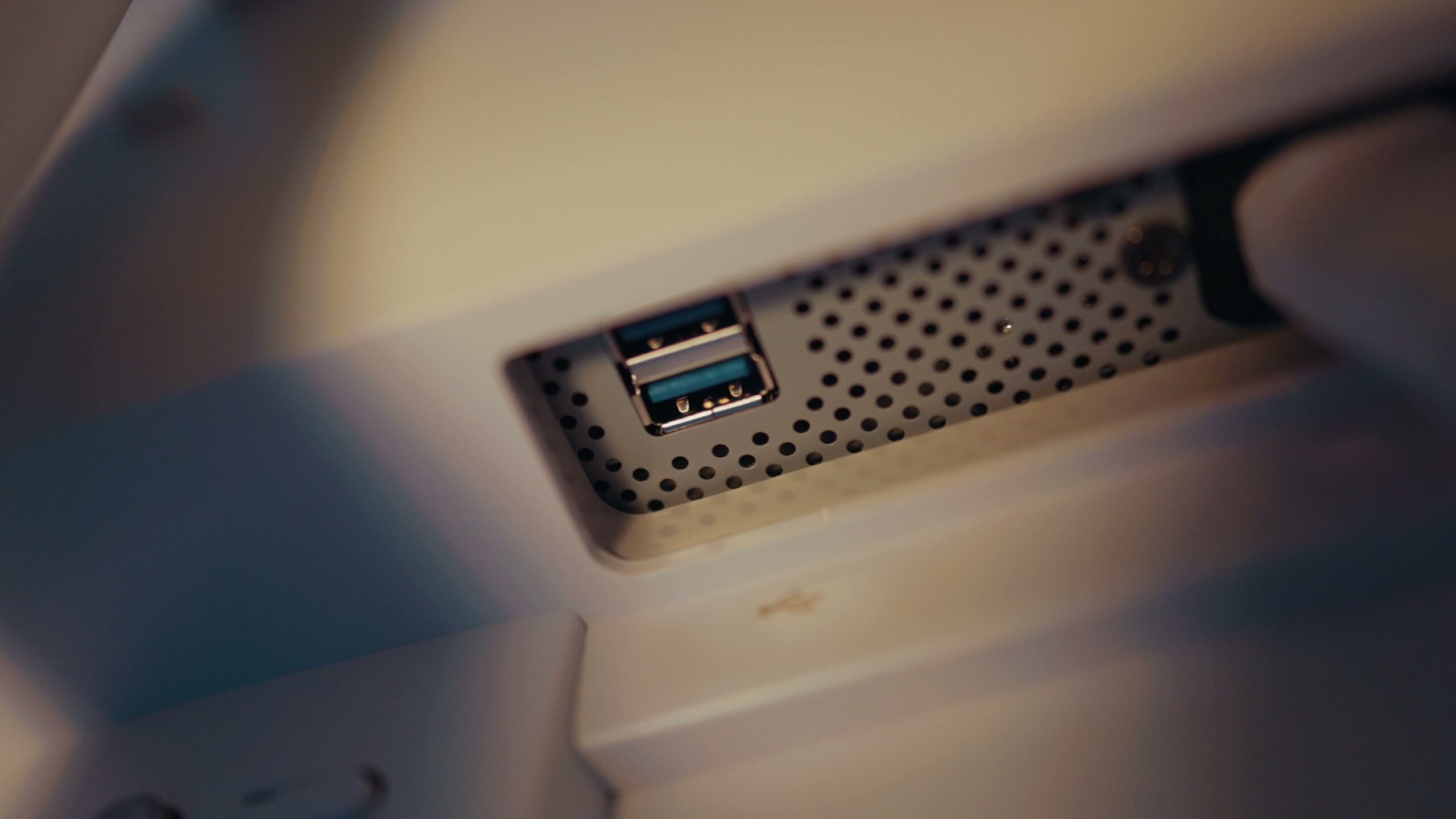
You also get a ton of inputs, way more than you do on an Apple Studio Display. We are talking one DisplayPort 1.4A, two HDMI 2.1 ports, two USB-C ports that both support 98 watt power delivery, a USB Type A, and even a USB Type B, which wow, I have not seen one of those in a long time. It also has a built-in KVM so you can use it with multiple devices at the same time.
The screen is gorgeous
So how is the actual screen? This is not an IPS panel or even mini LED. MSI is going straight for Apple’s jugular with an OLED panel capable of hitting 1000 nits of brightness, certified for the DisplayHDR 400 True Black standard. That basically means you can color grade not only standard dynamic range video but HDR video as well, easily, on this screen.
I have to say, this screen is absolutely gorgeous. Once you start using an OLED, you are never going to want to go back to any other kind of screen. When I posted my budget video editing monitor recommendations a while ago, I talked about how OLED prices are coming down. We are in this weird situation now where so much technology is getting more expensive, RAM and SSD prices are out of control, but OLED screens that used to cost thousands of dollars are now coming in way below 1000. That is awesome to see, and it makes this monitor highly competitive.
Because I keep mentioning the Apple Studio Display, just know that this screen is the same size but the contrast is dramatically better. The only real area where the Studio Display pulls ahead is resolution, because it is a higher res 5K display while this one is 4K. Personally, if you are video editing, I think you are going to be fine with 4K. On a 27-inch screen I do not think you are really going to see a difference between 4K and 5K, and you will be far happier with the enhanced contrast and brightness you get from the MSI.
Color accuracy you can trust
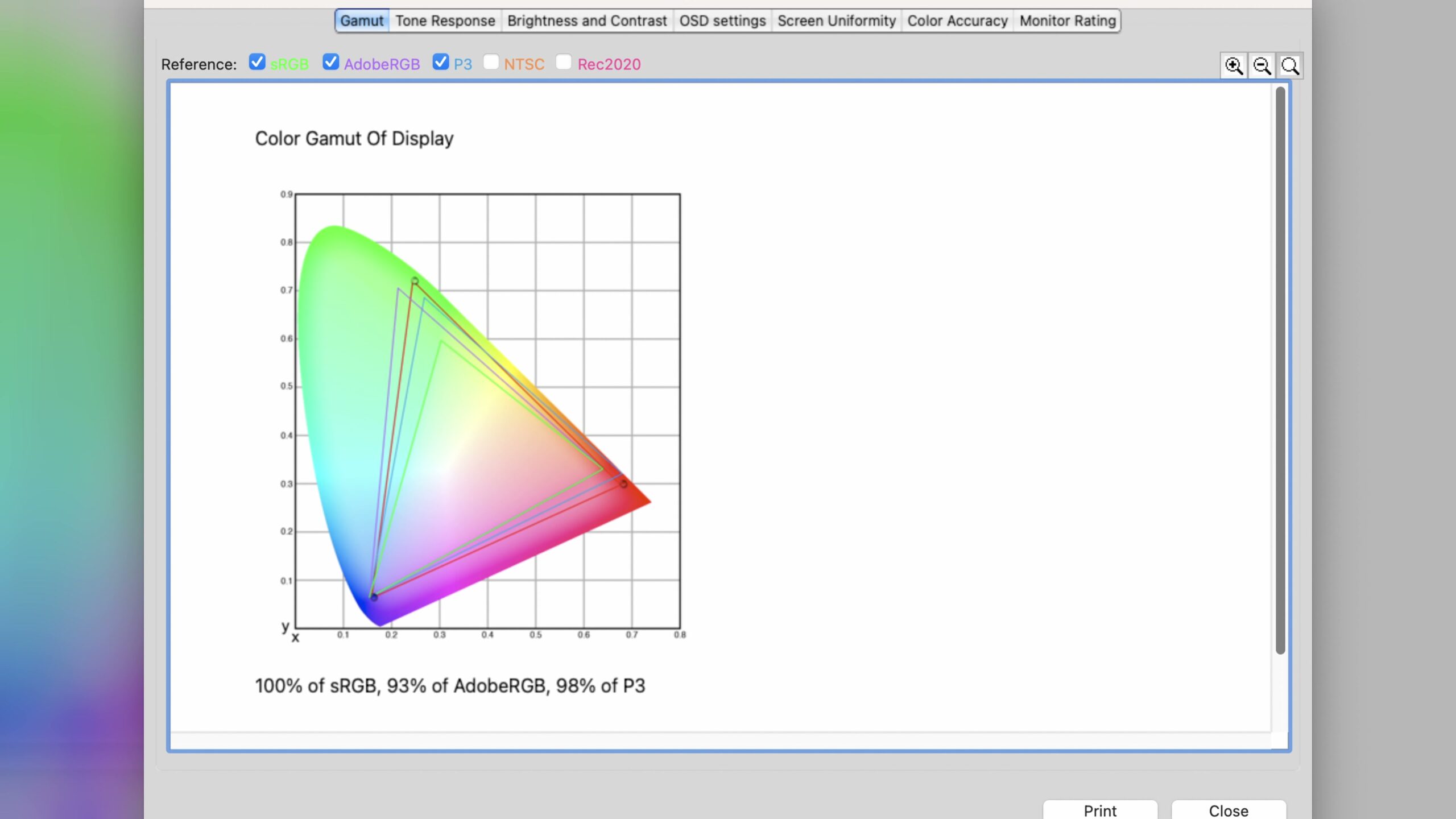
As far as color quality and coverage go, MSI claims the Pro Max hits 99% of the P3 color space and 97.5% of Adobe RGB. When I tested it, my Spyder color calibrator showed it hitting 100% of sRGB, 98% of P3, and 93% of Adobe RGB. Keep in mind different calibrators give different results, and these are very well within the margin of error. The main thing you need to know is that this screen is incredibly color accurate, so you can trust it is correct when you are color grading your videos.
Dark Armor Film actually works
Anytime I review a monitor, the manufacturer makes a lot of claims with a lot of marketing buzzwords. So when I saw MSI advertising features like Dark Armor Film, I rolled my eyes a little bit. This ends up being one of those marketing features that actually works.
What you need to know is that this is a matte display. If you want a really glossy glass front, you will have to look elsewhere. But the benefit of the matte finish is this Dark Armor Film, which you can think of as an extreme glare reduction film. MSI says the blacks are 40% deeper, which is more of a marketing claim. What I can tell you is that when I tested this monitor against the very bright lights of my studio at a wide variety of angles, the screen is extremely resistant to glare. It was only when I put my iPhone flashlight right up against the screen that I saw the reflection, and it was far more diffuse the further away it got.
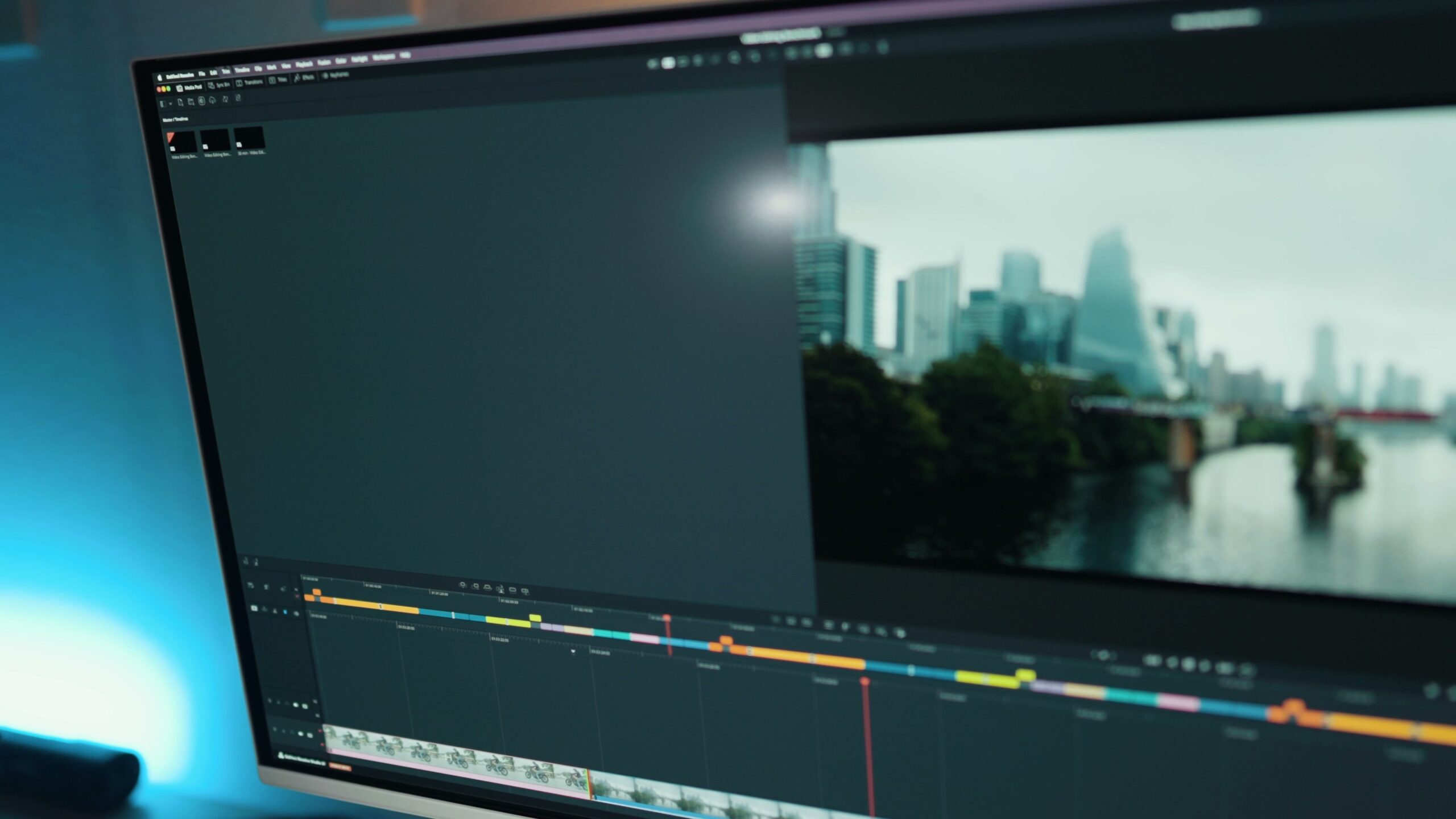
What this tells us is that if you color grade in a brighter room, you are going to love this screen because it has such minimal reflections. That really helps OLED, which is such a high contrast technology, because it keeps the shadows looking as dark as you expect them to be.
The AI camera, and no, it is not a webcam
Do you want to talk about AI? There is a setting called AI Care on this monitor. MSI put a camera on the front, and you are probably thinking, a camera, like a webcam? No, not at all. It is a camera, and MSI calls it a CMOS sensor, which is what most digital cameras use. The difference is that it is connected to a neural processing unit whose whole job is to detect if a person is standing in front of the monitor. If a person is there, the monitor stays on. If the person walks away, the monitor turns off.
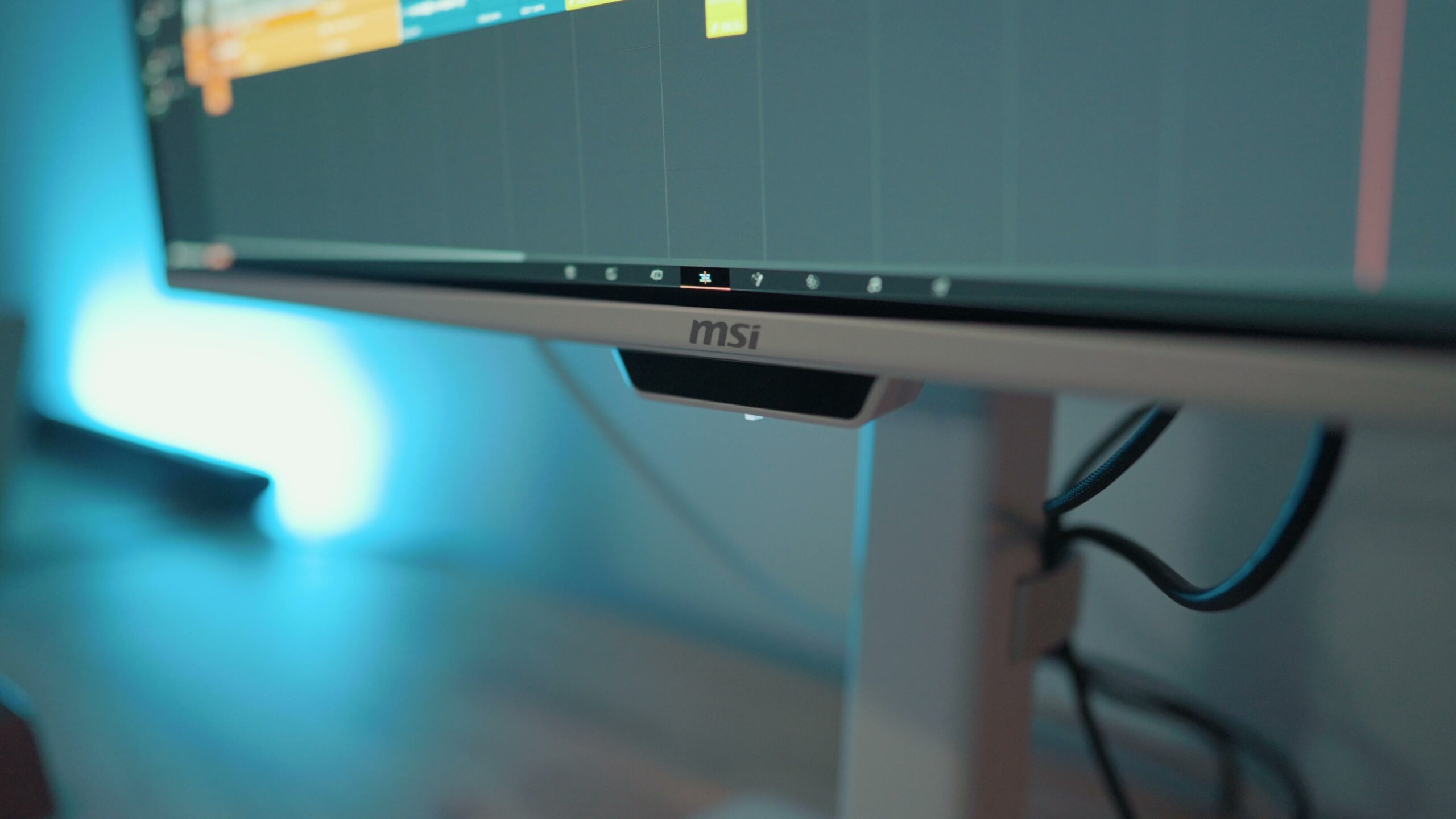
MSI claims all of this person detection happens on the device and nothing is transmitted to a server somewhere, which is good to hear. You do not need your monitor spying on you. Your smart TV already does enough of that. This is a genuinely useful use of AI, because it helps prevent burn-in.
Burn-in protection
Burn-in is a big fear a lot of people have with OLED. Personally, I am not really concerned about it. I have had an OLED TV for years without any issues. This monitor also has a ton of burn-in protection technologies, including features that detect a static image, taskbar, or logo and automatically work to prevent it from burning in.
Software, Mac features, and accessibility
There are settings to adjust the colors if you are colorblind, to make them more visible. Good job, MSI, I love the accessibility there. There is also an app called M-Mate that lets you adjust all the monitor settings instead of reaching around for the little joystick on the back. The app was a little laggy every time I started it up, but after about 10 to 15 seconds it started working. That is probably something MSI can fix in a firmware update.
Specifically for Mac computers, the monitor includes an M-Color mode, short for Mac Color, where the screen tweaks the colors slightly to match your MacBook. There is also a Sync feature that lets the function buttons at the top of your MacBook, like brightness and volume, adjust the monitor settings automatically when you press them, which is really nice.
The speakers are just okay
Yes, this monitor has speakers. How are they? Well, they are monitor speakers. Aside from one BenQ monitor I reviewed that had big front-facing speakers that actually sounded good, these MSI speakers are pretty mediocre. You can hear the audio of your videos while you edit, but I would not recommend using them for audio mixing. Get yourself a good pair of speakers or headphones and you will be much happier.
How is it for gaming?
Do not worry, I did not forget about gaming. This monitor feels really well positioned as one that is truly excellent for video editing and color grading while also being quite good at gaming. It is an OLED that supports HDR up to a thousand nits of peak brightness, so games look absolutely gorgeous. It is also a 120Hz VRR panel that supports G-Sync and FreeSync. I know there are much higher refresh panels out there for gaming, but keep in mind this is a video editing first monitor. The Apple Studio Display is only 60Hz, and a lot of other video editing focused monitors are only 60 too, so 120Hz feels very solid to me. As a bonus, it supports HDMI CEC, so if you connect a console, turning on the console also turns on the monitor.
Price, and the cheaper black version
Let’s go back to the price. At the time of this review, the MSI Pro Max retails for 710 bucks, which I think is quite competitive for an OLED monitor, especially one targeting creative people and not just gamers.
But I hear you telling me you want to save as much money as possible, and I do not blame you. MSI also sells a black version of this monitor. Sometimes companies say the black edition is fancier. That is not the case here. The black edition is actually worse, but it is cheaper. If you go black, you do not get the front-facing camera with AI, which might actually be a plus for some people. The other con is that the black version does not support fast power delivery over USB-C, only 15 watts, so you cannot quickly charge your MacBook with it. Other than that, you still get the same gorgeous panel, and the black version is selling for only 650 bucks right now, which is pretty darn compelling.
Final thoughts
For 700 dollars, MSI built an OLED that genuinely embarrasses a monitor costing twice as much. If you are a video editor who wants accurate color, deep contrast, and a screen that holds up in a bright room, and you want to game a little on the side, the Pro Max 27 is an easy recommendation.
If you found this helpful, grab my Edit Videos Like A Pro guide. It walks through the biggest rules I follow as a video editor. I actually wrote it myself, AI did not write it, and it is full of genuinely useful stuff. It is free to download.