
My friend Noah asked me to help him build a $3000 video editing PC that would edit and render 4K in Premiere Pro extremely fast. I said I’d love to, on the condition that I got to make a video about the parts.
The result rides the line between price and performance almost perfectly. Here’s the full parts list.
This build is from December 2017. Every price below was accurate then and every component here has been superseded since, some of them several times over. Read it for how the decisions were made, not as a shopping list.
CPU
Noah went with the Intel i7-6850K, six cores and twelve threads, about $345 at the time. He bought on Black Friday so he probably did better than that.
I haven’t run benchmarks myself, but Puget Systems have, and they’re an excellent resource because they benchmark Premiere Pro specifically across a range of Intel and AMD chips. Their other test articles are worth your time too.
Their testing found the 6850K roughly equivalent to a Ryzen 7 1700, which is an eight core sixteen thread chip. How does six cores beat eight? Because Premiere is not efficient at higher core counts. Six cores and twelve threads turns out to be close to the sweet spot for price against performance in Premiere. You may save money going AMD, but Intel performs better here.
Cooler
A Cooler Master Hyper 212 EVO, $29, which is probably the most popular air cooler in existence. If you don’t want to mess with water cooling it’s excellent, and it’ll handle mild overclocking.
Motherboard
The ASUS X99-A II, $229. I pushed him toward this one for the connectivity. I’m a big fan of having lots of high speed ports for external drives, and this has four USB 3.0, two USB 3.1, and the option to add Thunderbolt with a PCIe card later. Good future proofing.
Graphics Card
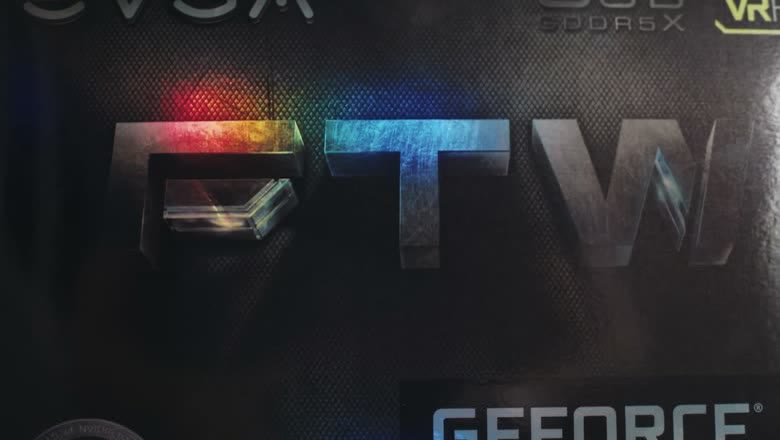
Noah found a lightly used GTX 1080. New, that was around $580 at the time, which is more than video editing really needs. A GTX 1070 at about $450 would serve you perfectly well.
I recommend EVGA specifically, based on my own experience with their warranty and support.
Storage
Two drives, and the split matters.
A 500GB Samsung 960 EVO in the M.2 form factor, which is one of the fastest drives on the market and which I’d recommend for any build. Then a 1TB Samsung 850 EVO in the regular 2.5 inch size, $289.
The reason for two is that the fast one holds the OS and applications, and the second holds your files and acts as a scratch disk. A scratch disk is the drive Premiere uses to store video previews and other working files while you edit, and keeping it off your system drive genuinely speeds things up.
RAM
32GB at 3200MHz is the sweet spot for 4K editing.
One warning: buy it as a single complete set, not two smaller sets combined. When a manufacturer packages sticks together they’ve tested them running at the same voltages. Combine two separate kits and you can end up with slightly different voltages and an unstable machine.
Power Supply
Noah bought an EVGA 850 P2 at $154, which is overkill on both wattage and price. An EVGA 650 B3 at $70 gives you plenty of headroom for all of this.
Wi-Fi And Bluetooth
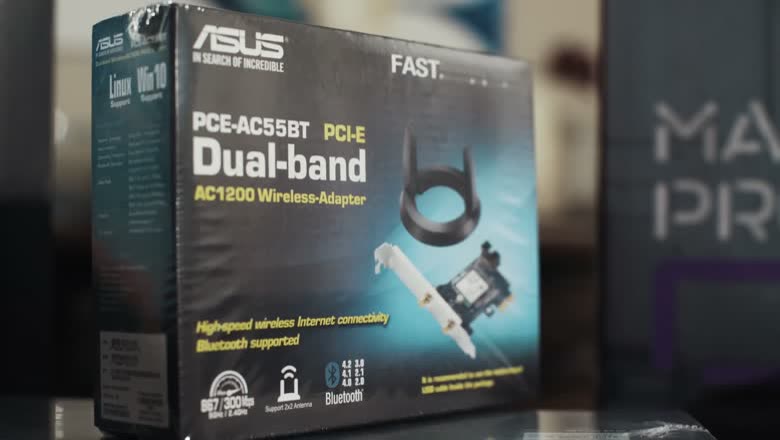
The X99-A II has no wireless, so you need a card. He used an ASUS PCE-AC55BT dual band PCIe adapter, which does Wi-Fi and Bluetooth in one slot and works well.
Case
The Cooler Master MasterCase Pro 5 mid tower. Yes, that’s two Masters back to back, and yes it’s confusing. It’s a gorgeous case: not too gamery, no RGB everywhere, stealthy, good airflow.
Monitor
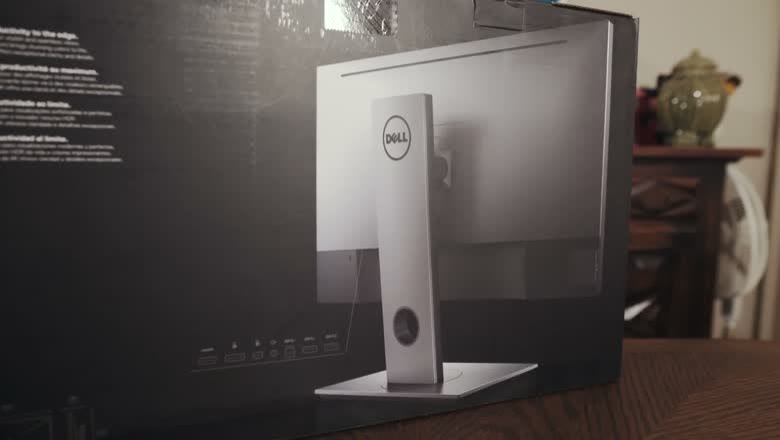
A Dell U2718Q 4K panel with very thin bezels. He caught it in an Amazon lightning deal on Black Friday for $409; it normally ran $484.
If that’s too much, the Dell P2715Q at $445 has slightly thicker bezels but is still factory calibrated, which is what actually matters for editing and grading.
Everything Else
- OS: Windows 10 Pro.
- Speakers: Logitech Z200 at $23 as an entry level set, since the monitor has none. Honestly though, if you’re spending three grand on the machine, spend properly on speakers. I cover the ones I actually use in my audio editing video.
- Keyboard: Corsair K55, $49.
- Mouse: $91, and the best mouse I’ve ever used.
Related
If you want to see the assembly rather than the parts, that’s my Ryzen build guide. And the other two videos with Noah are making your audio sound incredible and how to film bride and groom prep.